A story
South coast of Iceland
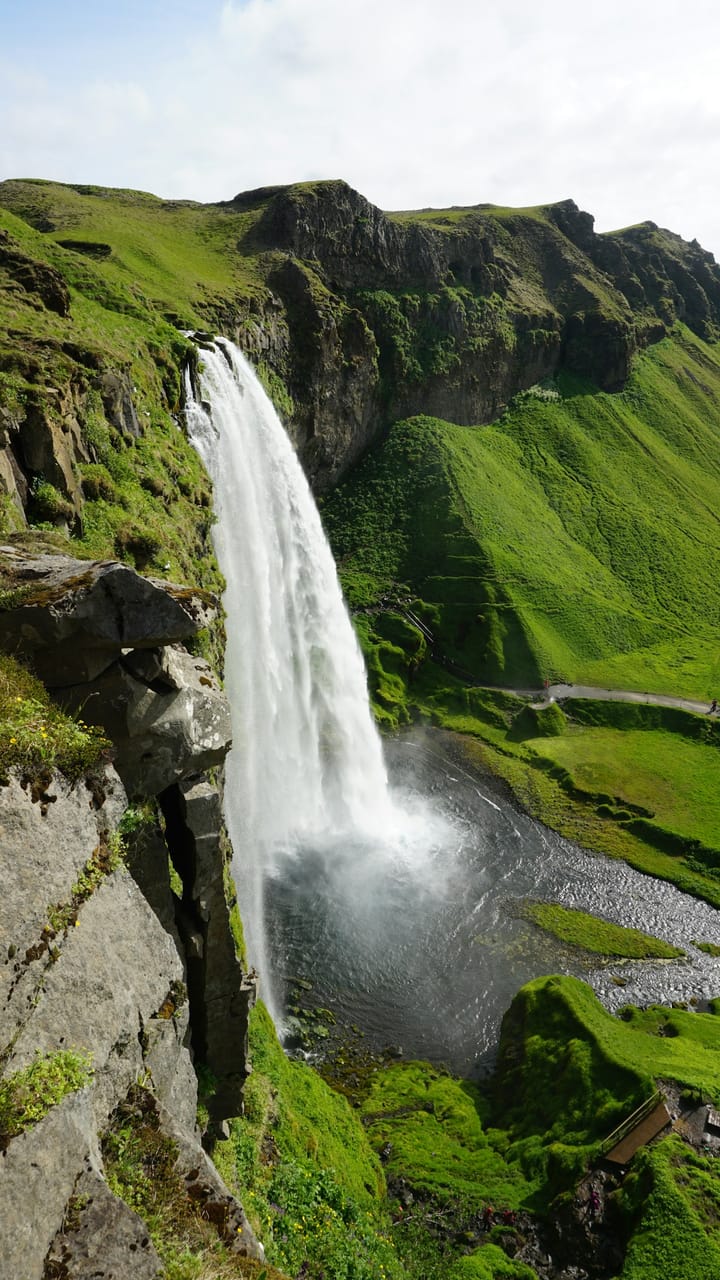
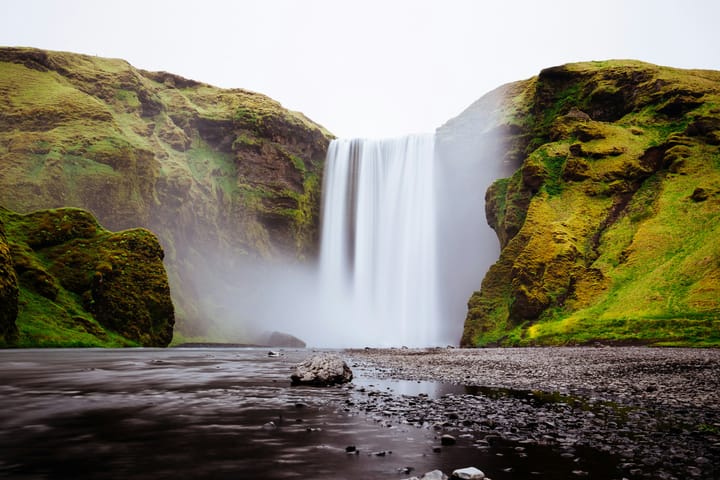
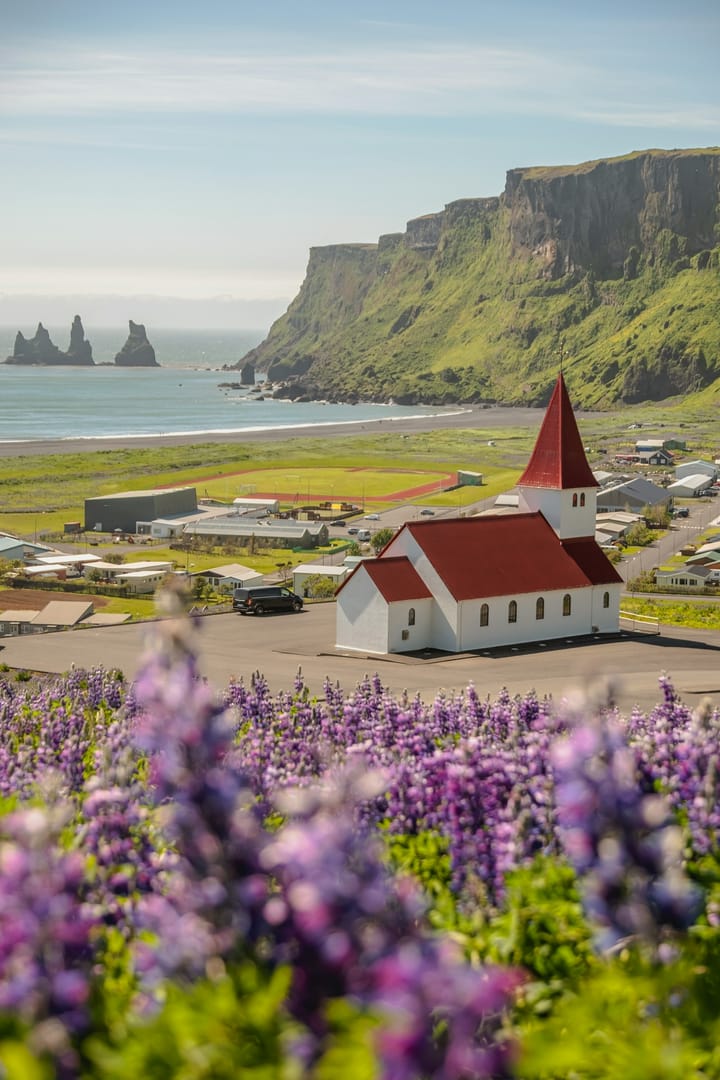
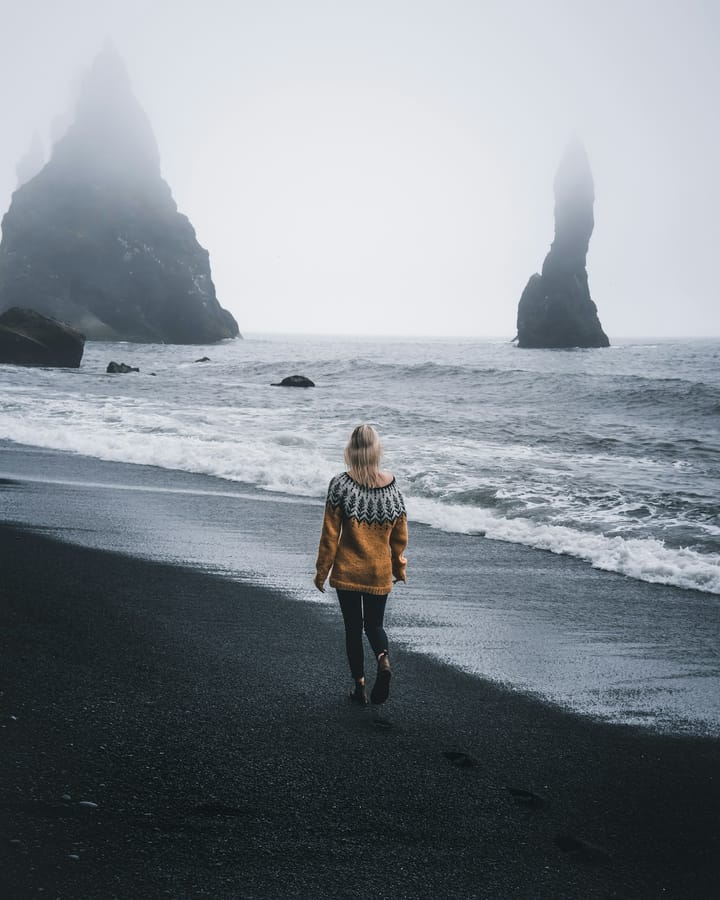
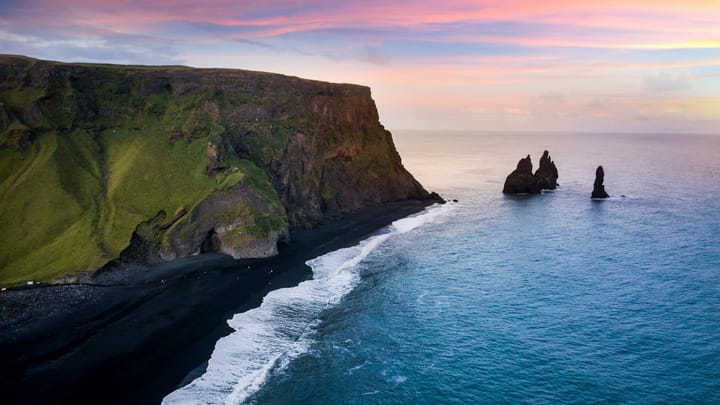
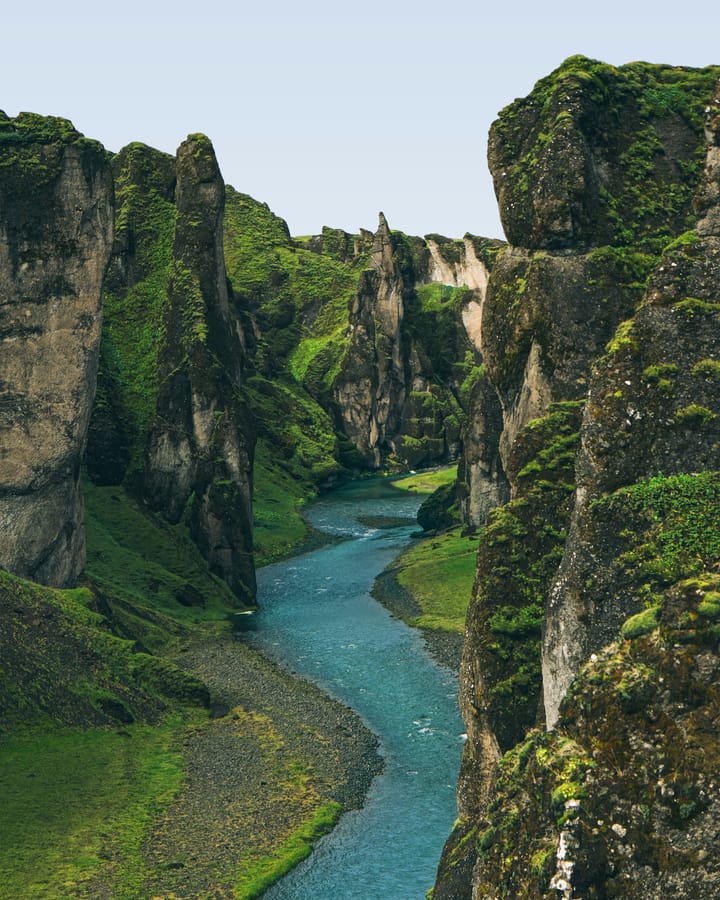
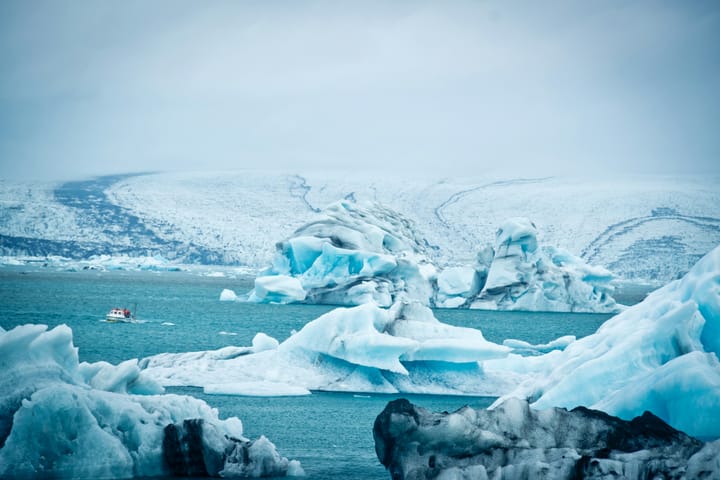
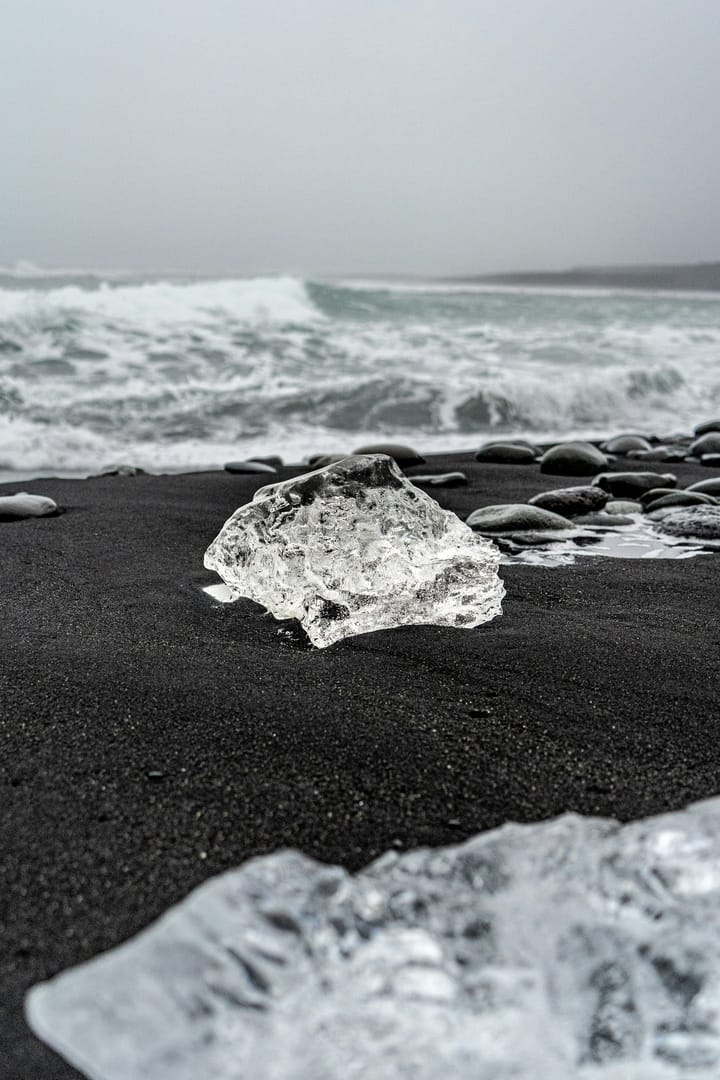
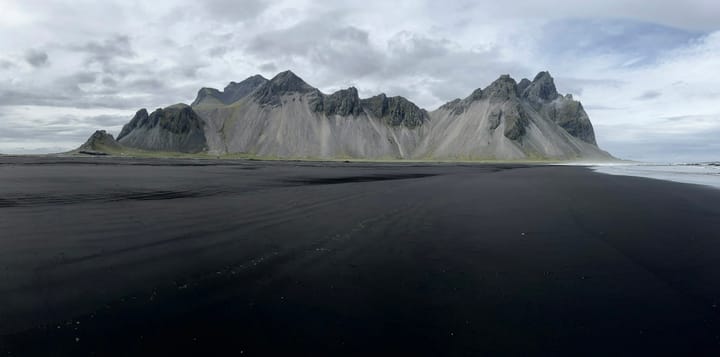
Four days along the ring road in July, from the waterfalls in the south to the black sand at Stokksnes. It never really got dark. We stopped the car far more often than we planned.
The tour
It never crops a picture. Around that rule there is a full library, a viewer, an editor, stories, a map, and room for the people you choose.
Library
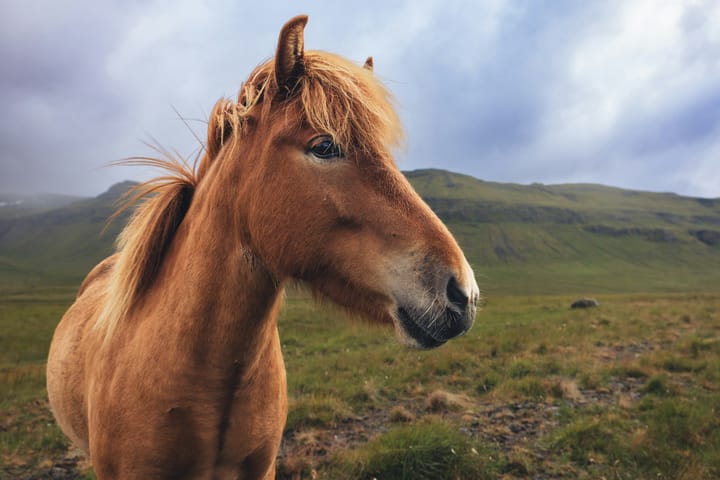
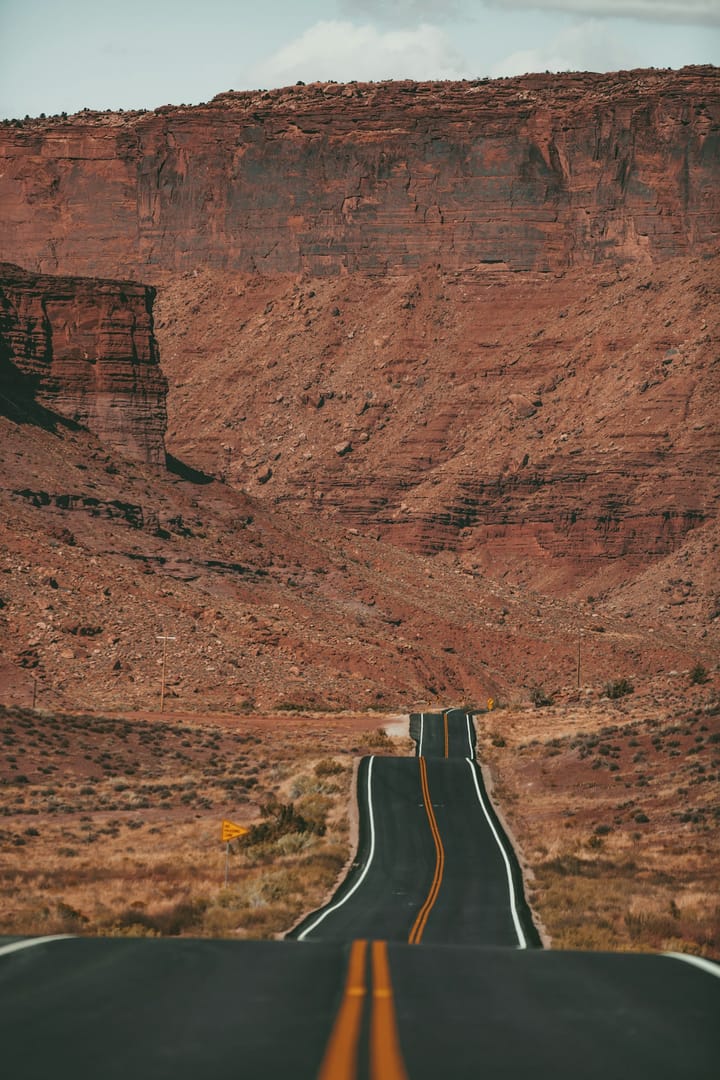
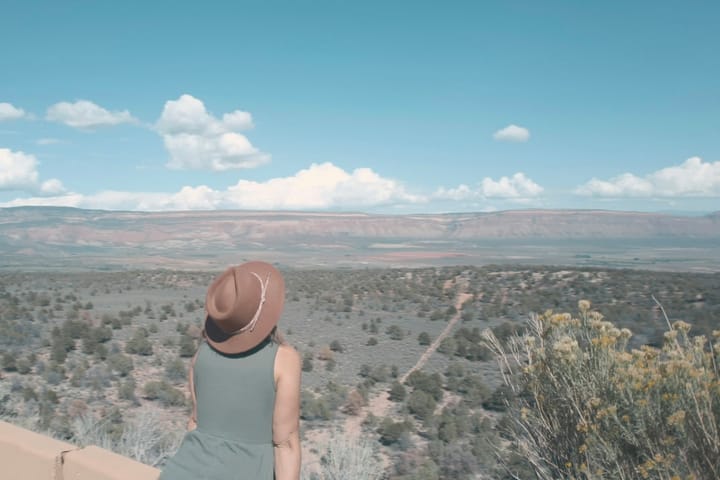
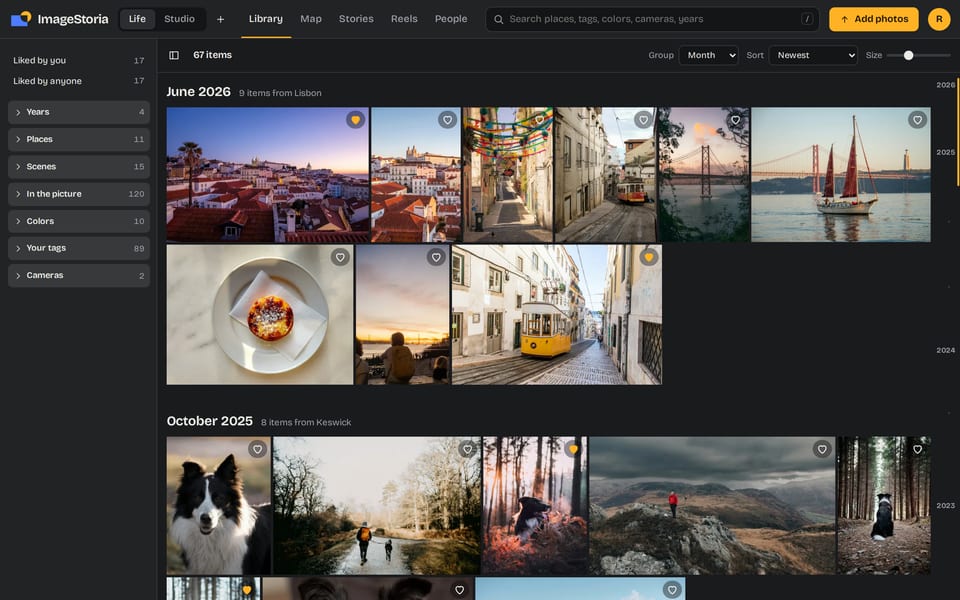
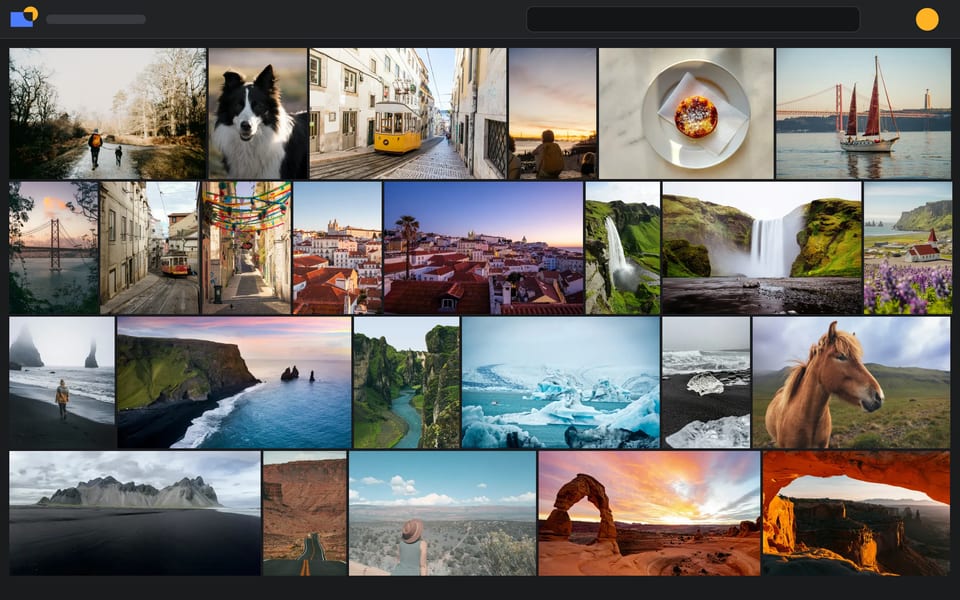
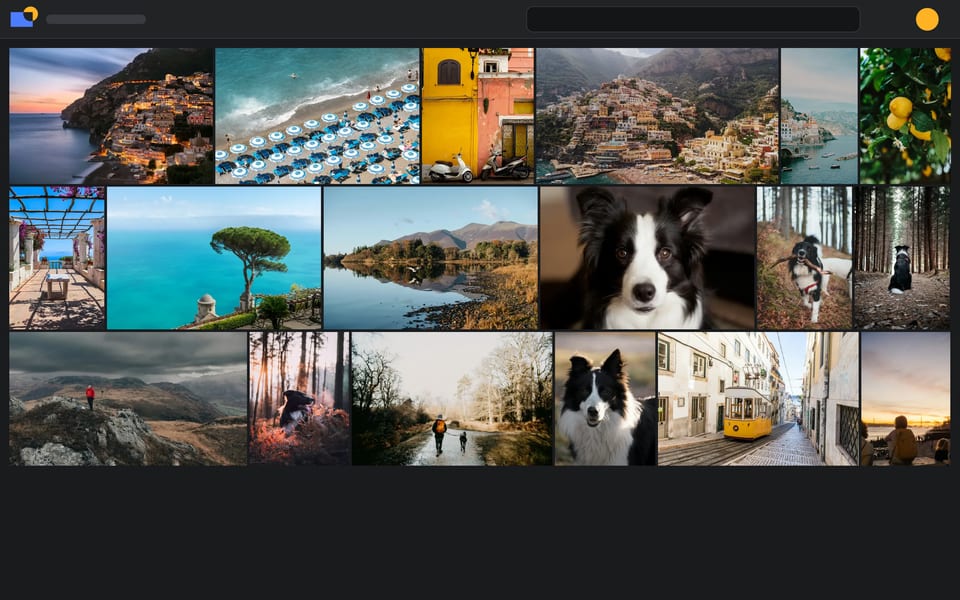
Rows are laid out so every picture keeps its own shape. Nothing is cut to fit a tile. This grid is live: change the width of your window and watch it rearrange.
Rows are drawn only while they are on screen, so tens of thousands of pictures scroll without a "load more" button. Search is instant. Filter by place, tag, color, camera or year, and jump through time on the right edge.
Select many at once to tag, move, date, like, download, trash or start a story.
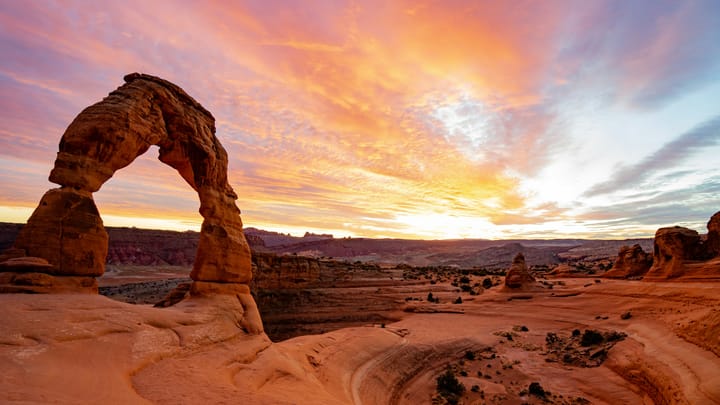
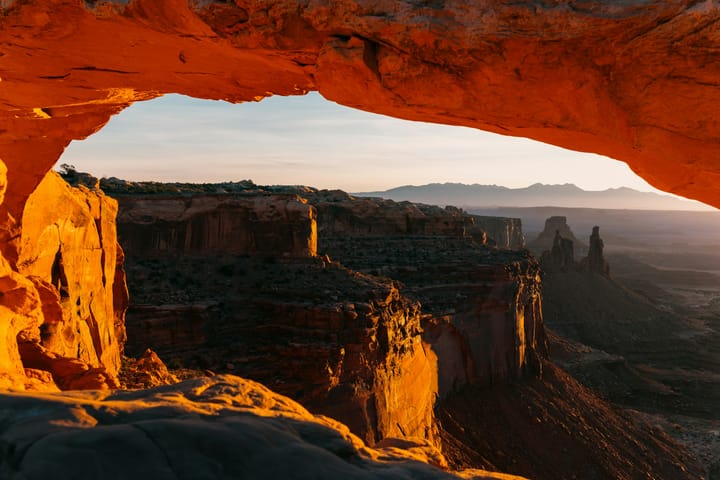
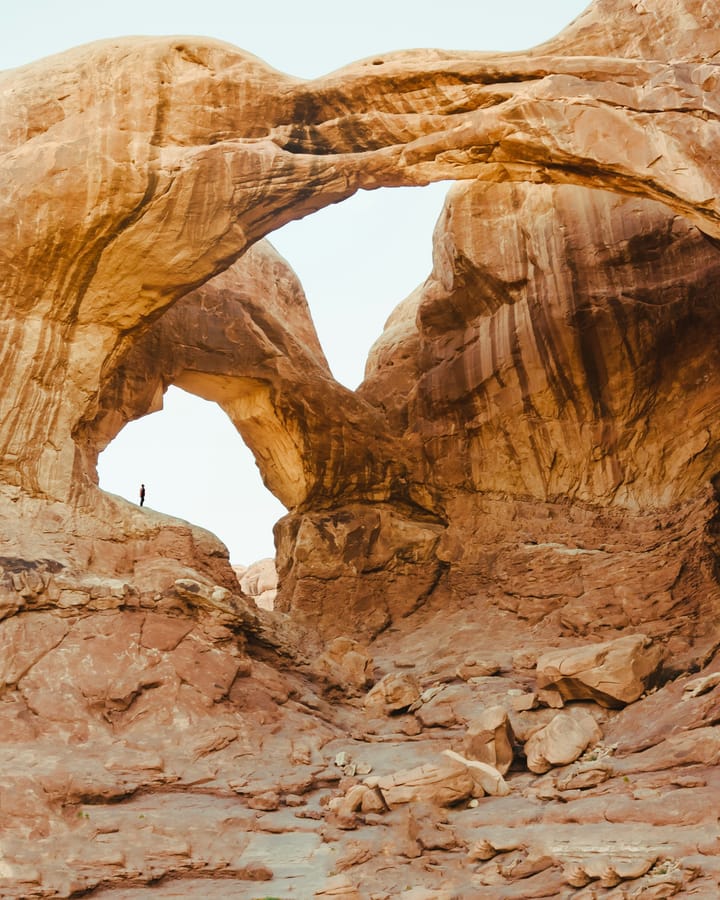
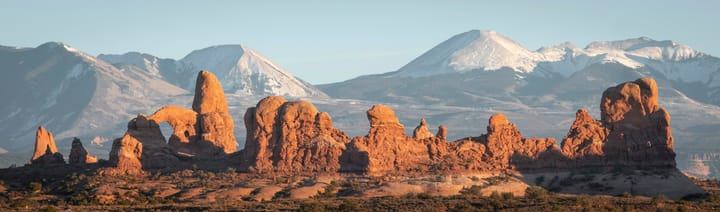
Viewer
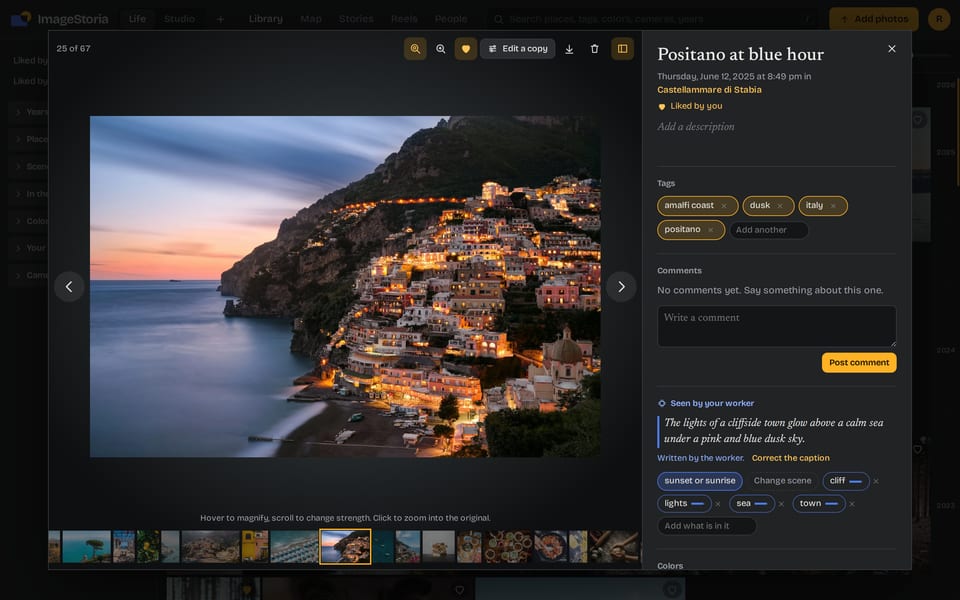
Open a picture and it fills the window, whole. A round magnifier follows your pointer. Scroll to change its strength. Click, and you pan and zoom the original at full size, in the same window.
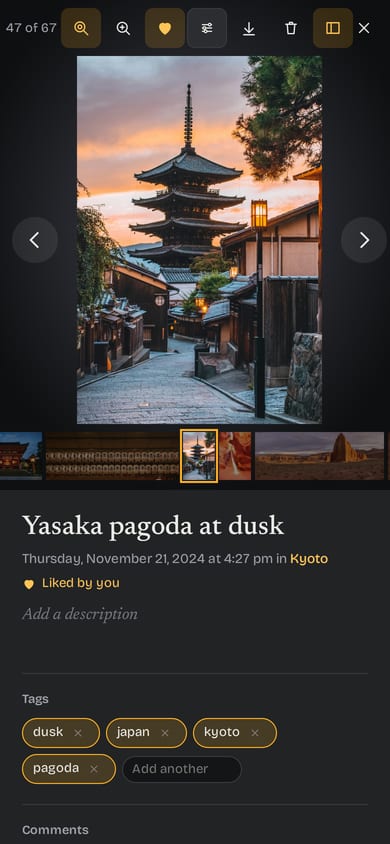
Beside it: title, description, tags, place, camera, comments and likes. Videos play when opened.
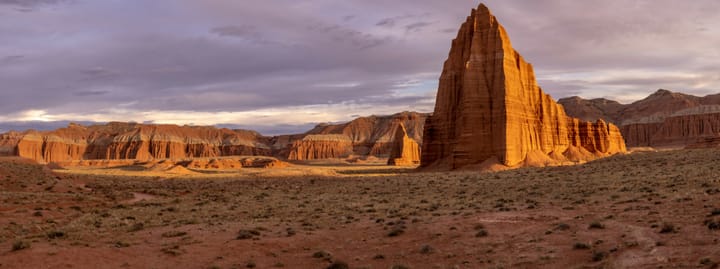
Try it. This is the app's magnifier, working on a sample photograph.
Editor
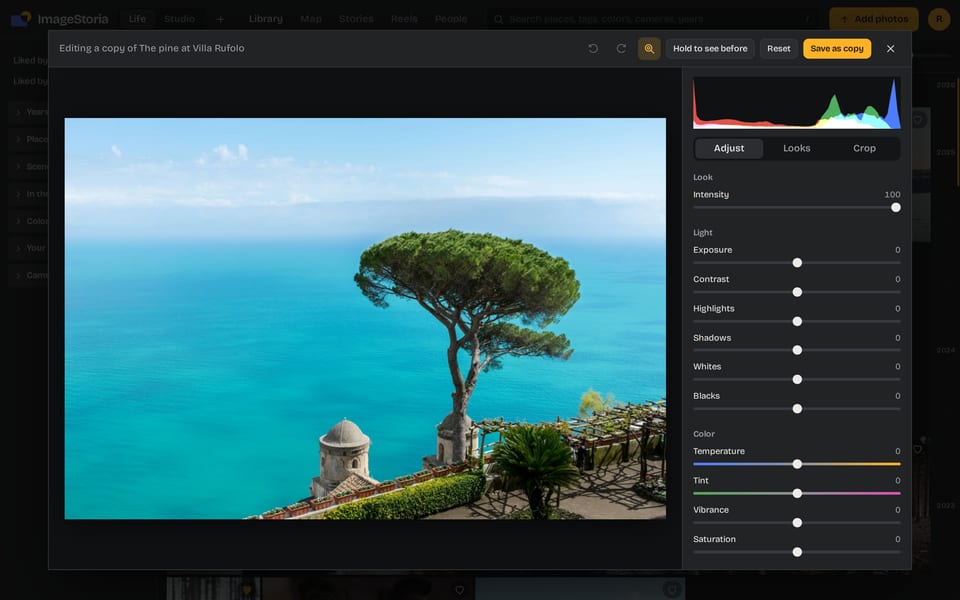
Light, color, a tone curve, color grading, effects, crop, straighten, turn and flip. And 78 looks, from cinematic to faded film to black and white.
Saving makes a new copy. The server develops it from the full-size original with your settings and files it beside the original, which is never changed.
Cropping is your choice, in the editor, on a copy. It is the only place a picture is ever cut.
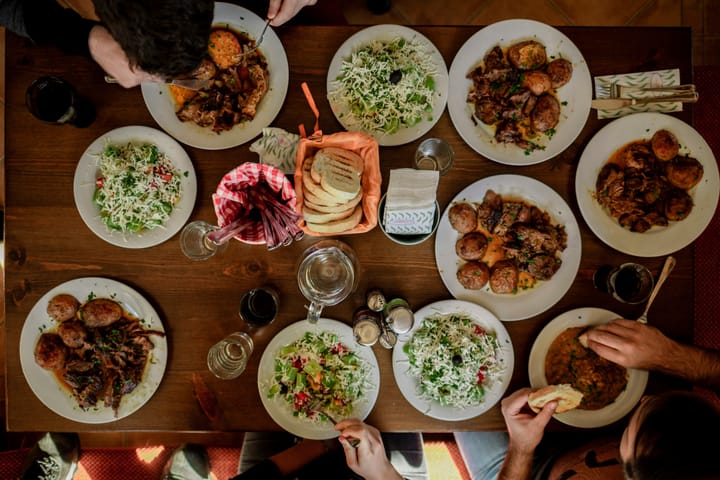


These looks were developed by the app's own pipeline. Pick one.
Stories, slideshows and reels
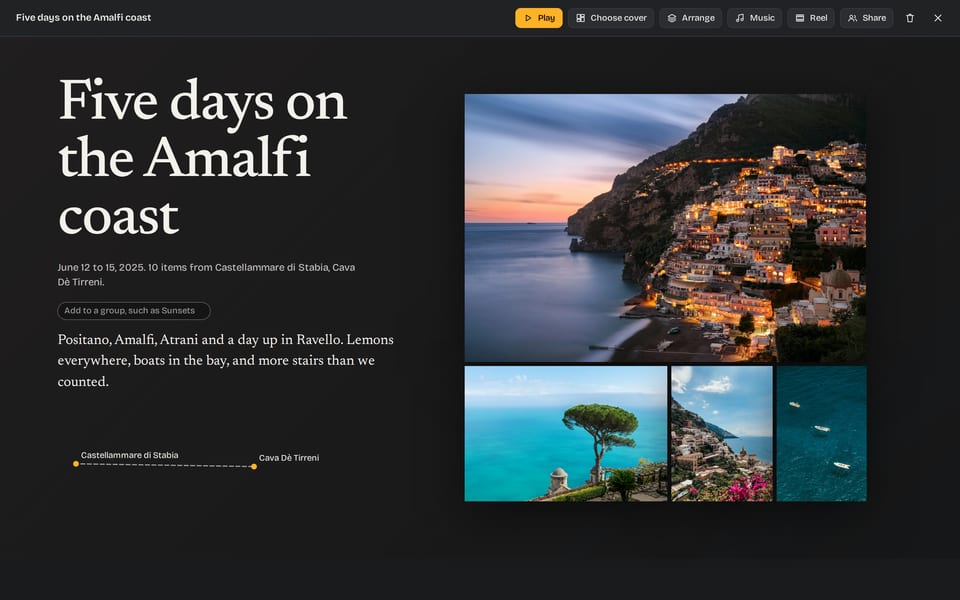
A story is a set of pictures told in order, with titles and text between them. Start one by place, by day or by moment, or pick pictures one by one. A picture can be in many stories.
Read it as a page. Play it full screen with one of ten pieces of music that come with the app, or add your own. Or make a reel: the story as one video file, tall or wide, with every picture whole over a blurred copy of itself.
A story
Four days along the ring road in July, from the waterfalls in the south to the black sand at Stokksnes. It never really got dark. We stopped the car far more often than we planned.
A reel, 9:16. The picture is whole. Only its blurred copy behind fills the frame.
Map and places
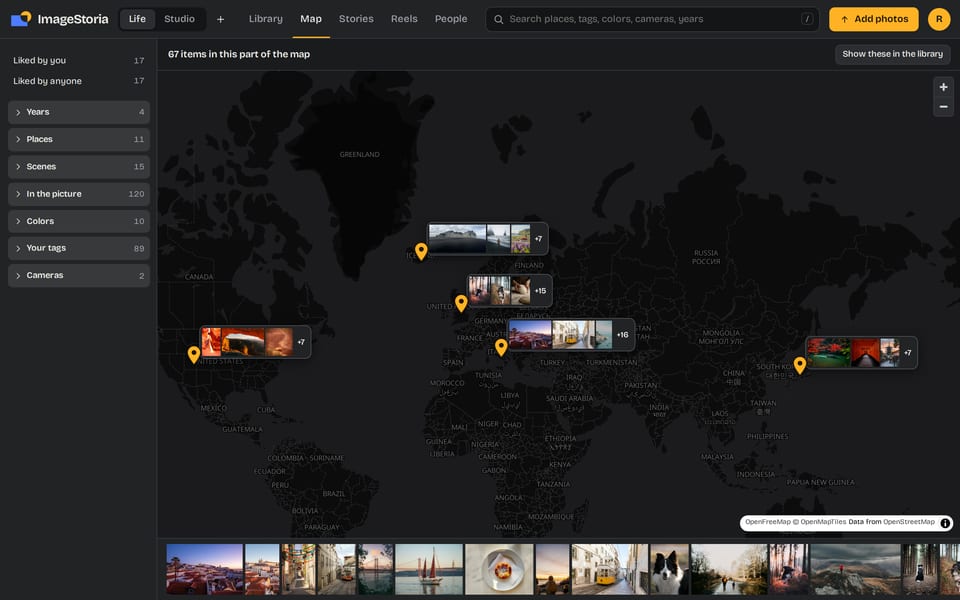
Pictures with a location appear on a map, each pin with a small bundle of uncropped thumbnails. Places are named from the file's GPS without calling an outside service.
For pictures with no location, set one for a whole selection at once. Shift the dates of a trip when the camera's clock was wrong, with an undo.
Sharing
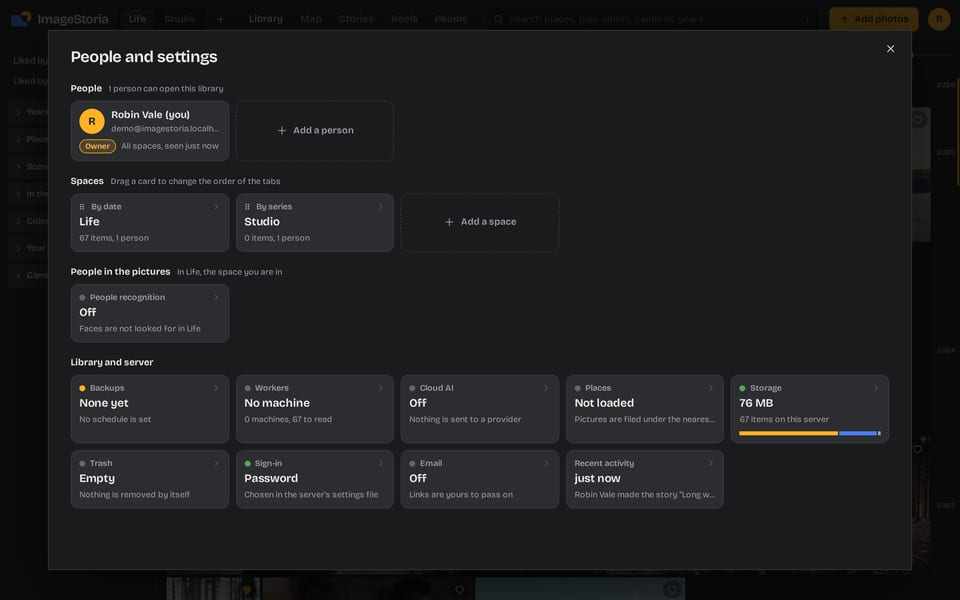
Nobody sees your library unless you invite them. Each person gets a role, and their own switches for upload, edit, tag, comment and download. Spaces keep family pictures and studio work apart, each with its own people.
To show one story to the world, make a link. It opens that story and nothing else. Add a password, allow downloads, or let visitors add their own photos. Delete the link and it ends at once.
| Role | Can |
|---|---|
| Owner | Everything, including people, spaces and settings |
| Editor | Add pictures, edit copies, tag, tell and share stories |
| Commenter | Look, like and comment |
| Viewer | Look |
Reading the pictures
Turn it on and each picture gets a caption, a scene and a list of what is in it. Search understands meaning. Look-alike faces are grouped for you to name. Near duplicates are found. Places are suggested, never assumed.
It runs on a worker, a small program on a computer you own that asks your library for work. Or on a cloud AI provider you choose, with your own key: Claude, OpenAI, Google, MiniMax or any OpenAI-compatible address. Faces and search by meaning need a worker.
Nothing is shared between libraries. What a machine said is blue. What a person said is amber, and the person always wins.

What a machine read
A black and white border collie looks straight at the camera in a dark room.
What a person said
With a cloud provider, the pictures being read are sent to that provider, under your account with them and their terms. With a worker, they go no further than your own machine.
Storage
The hosted library keeps its pictures in your own DigitalOcean Space. You create it, you hold the keys, and DigitalOcean bills you, about $5 a month for 250 GiB.
The bucket stays private. Browsers fetch each picture through a signed link that expires. The layout inside is plain, so you can read it without us.
your-space/
  originals/{year}/{month}/{item id}/IMG_4032.HEIC   the file exactly as you uploaded it
  display/{year}/{month}/{item id}.webp              long edge 1600 px, for viewing
  thumbs/{year}/{month}/{item id}.webp               360 px high, for the grid
  full/{year}/{month}/{item id}.webp                 only for formats a browser cannot show
On a phone
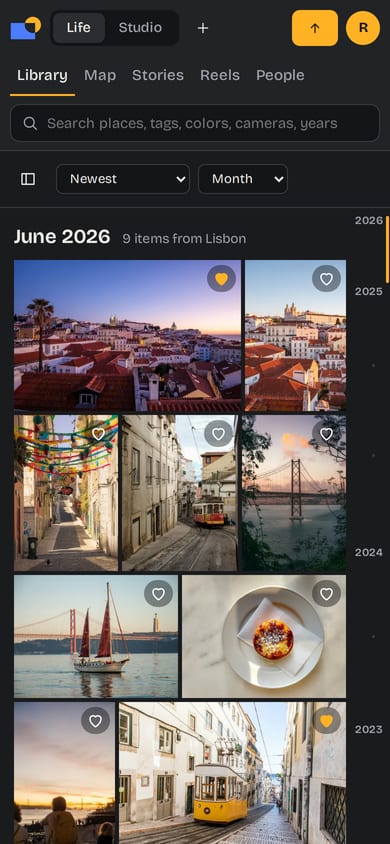
There is no app in a store. ImageStoria is a web app made to work well on a phone: the grid, the viewer, uploads and stories all fit a small screen. Add it to your home screen and it opens full screen, like an app.
Uploads take what phones make: JPEG, HEIC, PNG, and MP4 or MOV video, among others.
The demo runs in your browser. Nothing you add to it leaves your device.